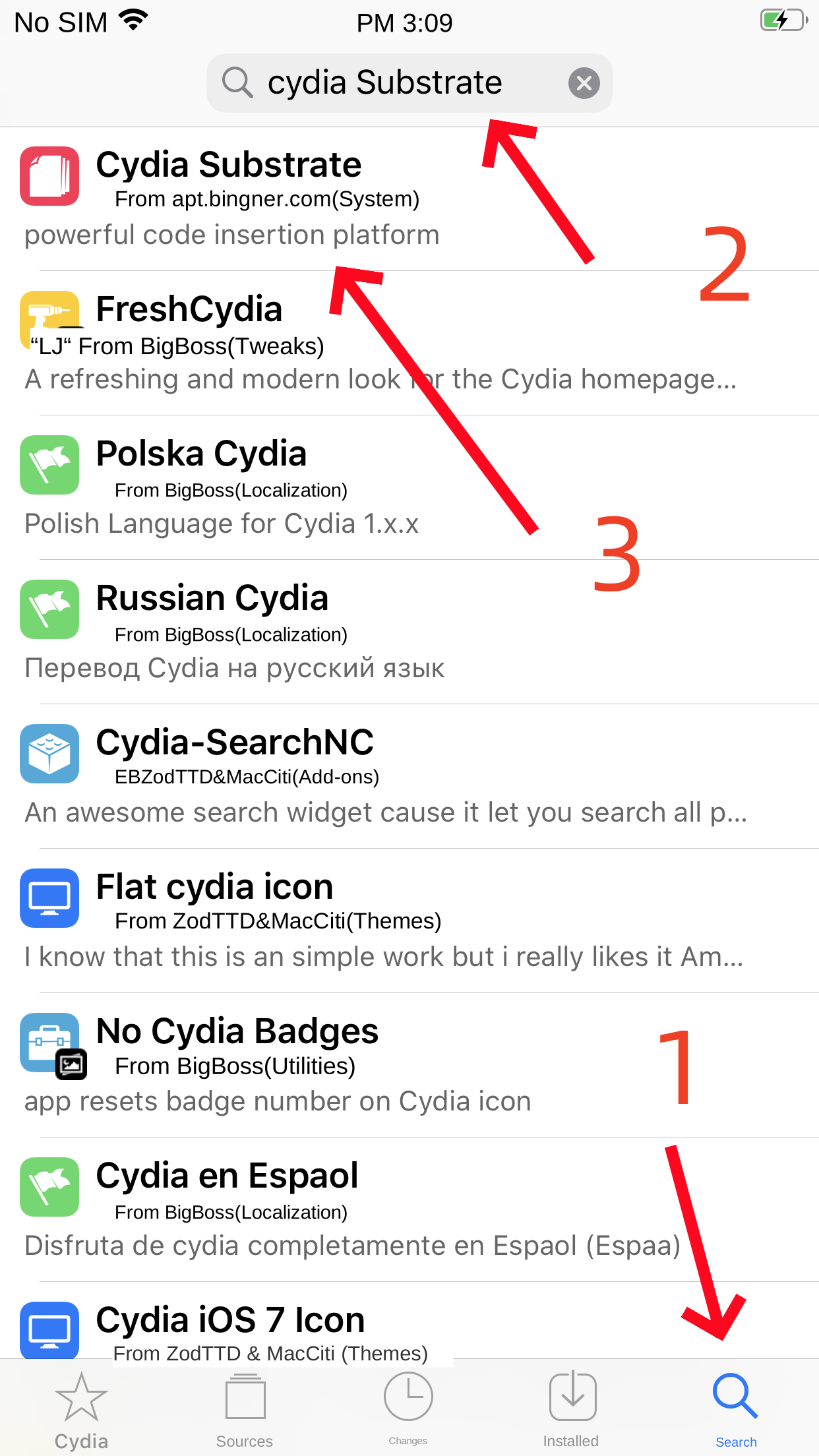
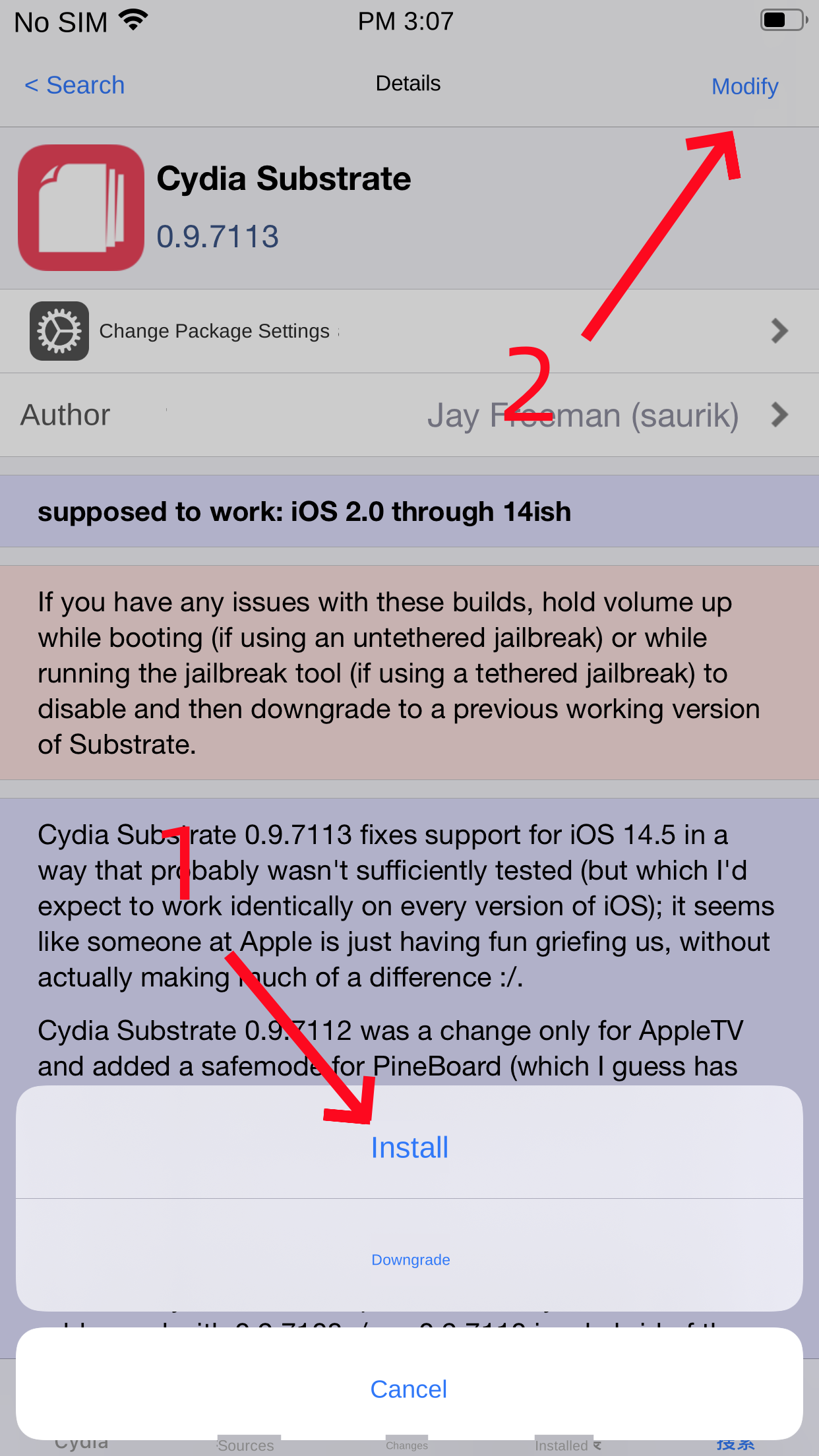
Installation and runtime problems
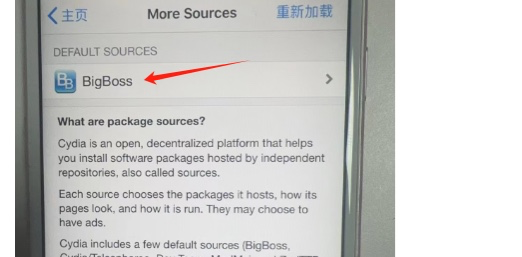
Check that the installed RAZER build matches your jailbreak and iOS version. Uninstall other tools with similar functions, refresh Cydia or Sileo, and verify that package installation works without errors. Reactivate the jailbreak after restarting if required by your jailbreak tool.
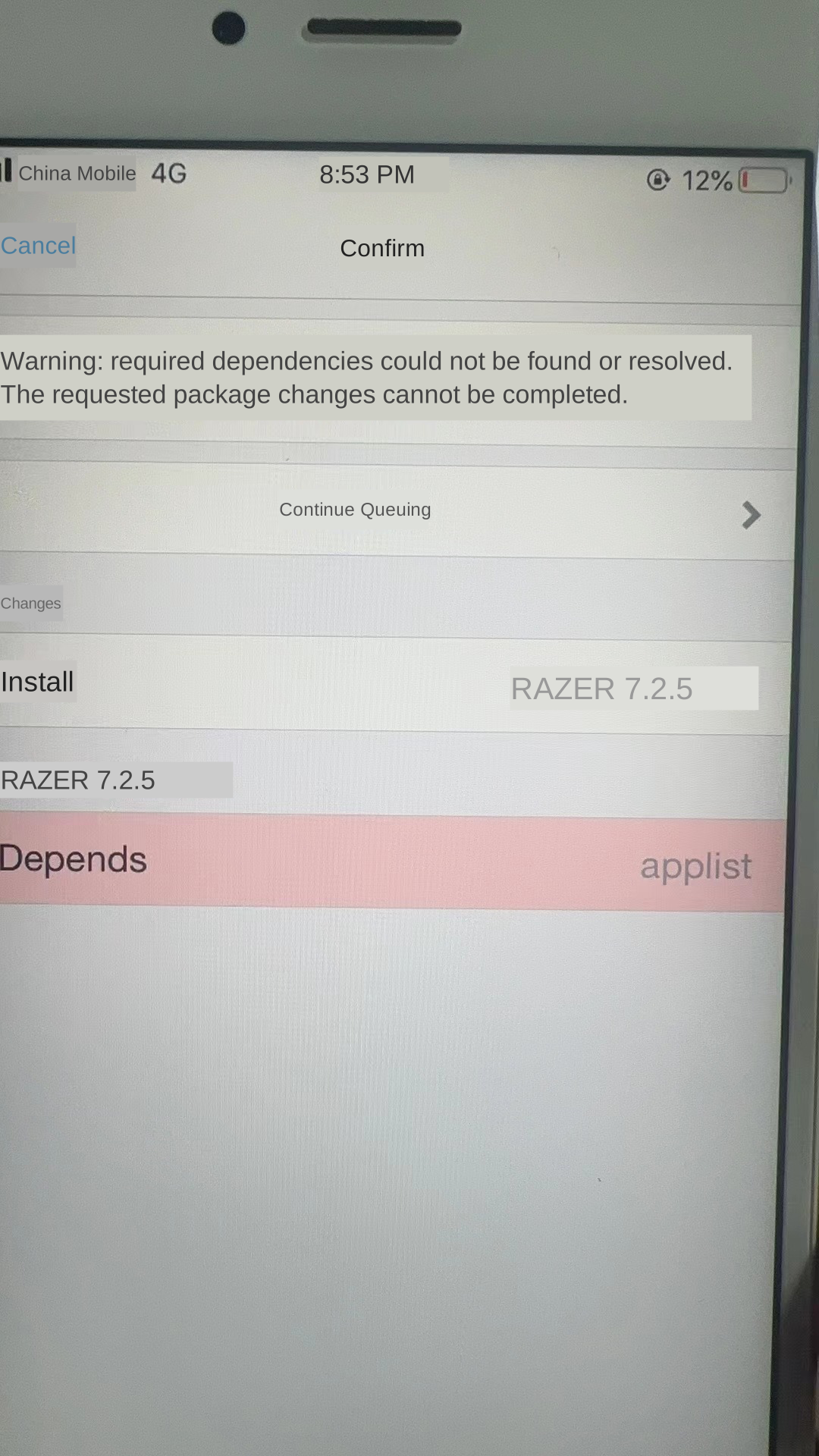
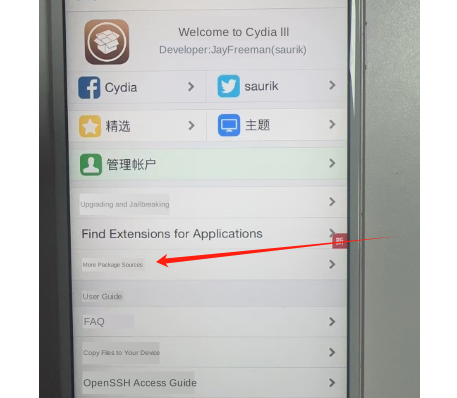
Apps crash after cleaning
Start with default settings and test the app. Then enable options one at a time. Keep simulated system versions and device models close to the real device and back up important data before using deep cleanup.
License and support
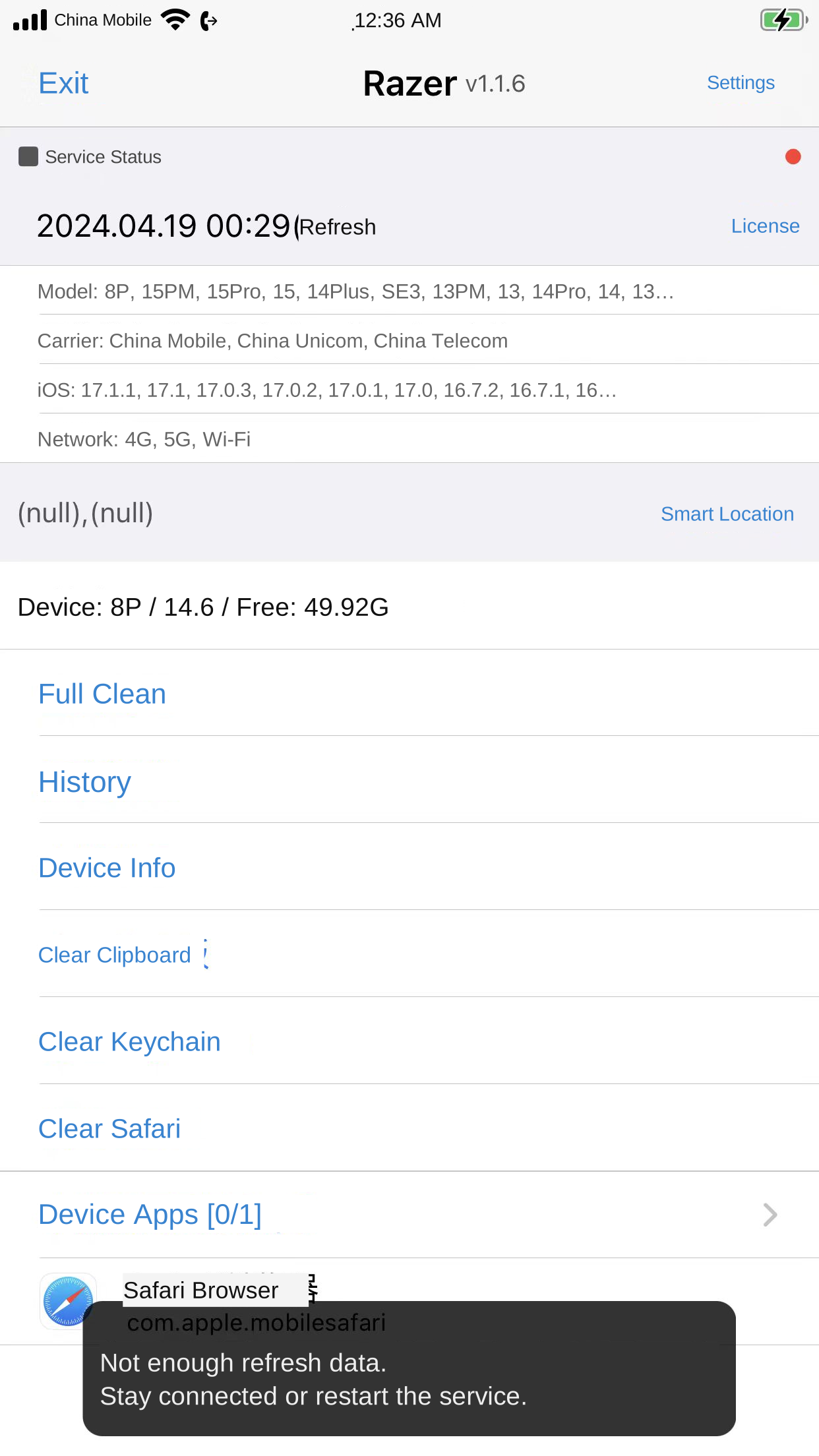
Use the RAZER support links on this site for activation, expiry or transfer questions. Supply the activation code and relevant device details to the seller when requesting assistance.